Gemini Chrome Updates
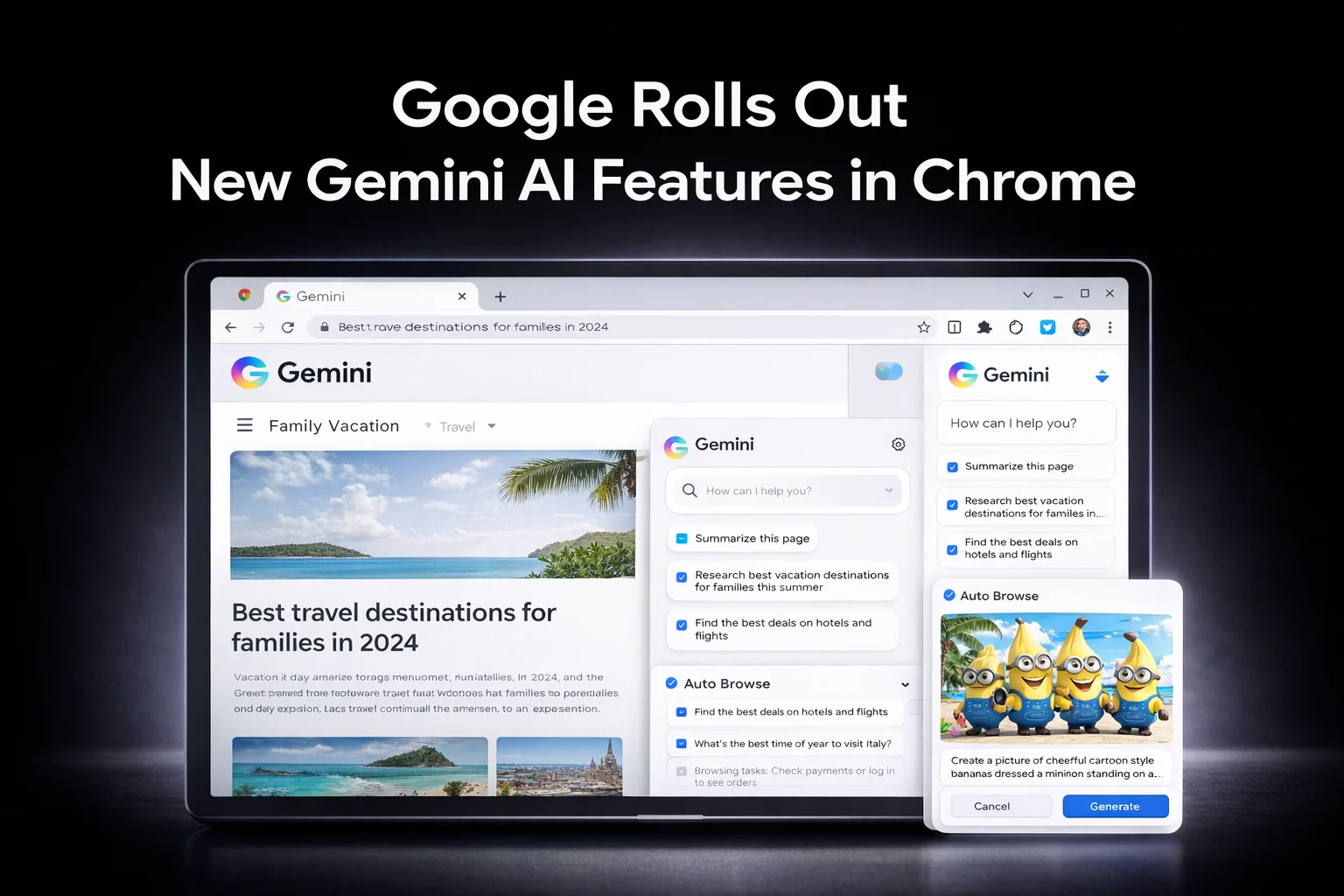
Google has begun rolling out new Gemini powered features inside the Chrome browser, expanding its push to make AI a core part of everyday browsing. The update introduces a persistent Gemini sidebar, built in image generation, and an early preview of automated browsing tasks.
The new sidebar allows users to access Gemini from any open tab, making it possible to summarize pages, compare content across sites, and complete tasks without switching windows. Google says the feature is designed for multitasking and will roll out gradually over the coming months.
Alongside the sidebar, Google has added its Nano Banana image generator directly into Chrome. Users can now create or edit images inside the browser without opening the Gemini app or uploading files separately. The tool works across open tabs and supports quick visual edits and creative tasks.
Google is also previewing a new Auto Browse feature. The tool can plan and carry out multi step tasks such as finding products, checking past purchases, or researching travel options. During demos, Auto Browse paused before sensitive actions like logins or payments, requiring user approval before continuing.
The Chrome update builds on Google’s recent Gemini integrations across Gmail and other services. Google says future updates will introduce Personal Intelligence in Chrome, allowing the browser to remember past interactions and deliver more personalized assistance.
Auto Browse is currently available in preview for Google AI Pro and Ultra subscribers in the United States. Google has not confirmed when the feature will expand to more users or regions.
The Chrome AI update follows Google’s recent Gmail changes and comes amid broader online security concerns, including the recent 149 million user data exposure involving major platforms.
(Image is for reference only and does not represent the actual product.)
For more related updates, visit our website.