Apple says iOS 26.2 is a minor update. It isn’t.
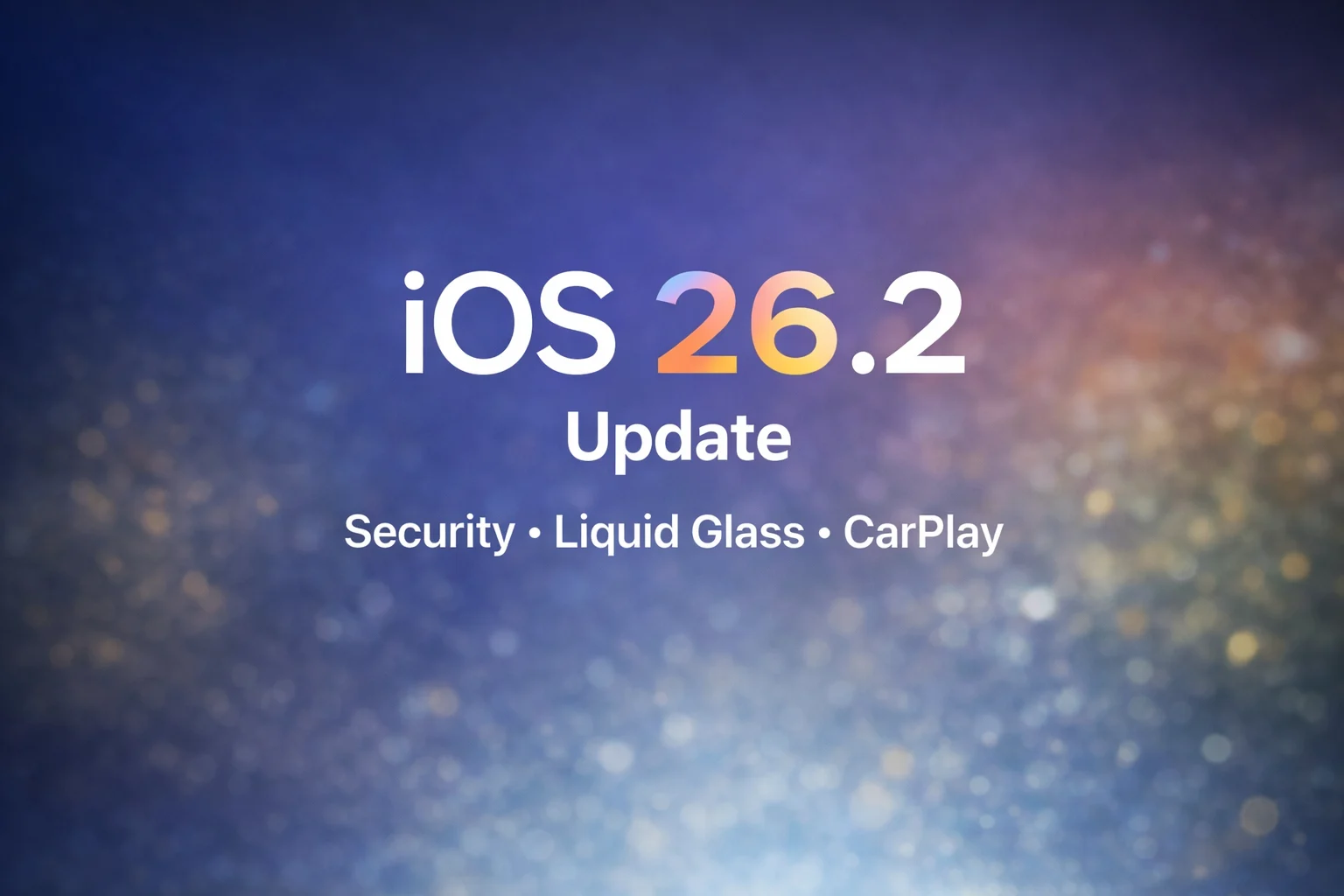
Apple’s iOS 26.2 update may look small, but it fixes some important problems. The update patches serious security issues, reduces the heavy Liquid Glass design that many users complained about, and improves CarPlay by focusing on ease of use instead of taking more control. Together, these changes show Apple listening more closely to users and making stability and trust a priority at a time when its software decisions are under growing attention.
Why the iOS 26.2 update matters now
The most important change in iOS 26.2 is security. Apple confirmed the update patches two WebKit vulnerabilities that were actively exploited in targeted attacks. WebKit powers Safari and in-app browsers, making these flaws especially dangerous. Once vulnerabilities like this are disclosed, unpatched devices become easier targets.
That alone makes iOS 26.2 a recommended update for all users, regardless of device age.
Apple quietly tones down Liquid Glass

Liquid Glass was one of Apple’s boldest design moves in years. It was also one of the most controversial. Many users complained that the transparent interface hurt readability, especially on the Lock Screen. In iOS 26.2, Apple adds a slider that lets users control how transparent the Lock Screen clock appears.
Apple isn’t abandoning Liquid Glass. Instead, it’s giving users more control. The change suggests Apple is willing to soften its design vision when real world use doesn’t match expectations.
CarPlay focuses on usability, not takeover

CarPlay doesn’t get a dramatic redesign in iOS 26.2, but it does get smarter. Apple improves everyday usability, including better control over pinned Messages and fewer distractions while driving. These small updates matter as automakers remain cautious about deeper Apple integration into vehicle systems. For now, Apple appears focused on keeping standard CarPlay reliable and familiar, which is exactly what most drivers want.
Automatic updates raise eyebrows
One controversial change in iOS 26.2 is how Apple promotes automatic updates. Some users report seeing a screen that makes it easy to re-enable automatic updates, even if they were previously turned off. Apple’s reasoning is clear: unpatched devices are a security risk. But the design of the prompt has raised concerns about user choice.
For a company that emphasizes privacy and control, even small trust issues matter.
Key iOS 26.2 features at a glance
- Critical security fixes for actively exploited vulnerabilities
- Lock Screen control for Liquid Glass transparency
- CarPlay usability improvements
- Safer AirDrop sharing with verification codes
- Reminders alarms for urgent tasks
- Offline lyrics in Apple Music
- Smarter navigation and linking in Apple Podcasts
What this update says about Apple’s direction
iOS 26.2 shows Apple in correction mode. Instead of pushing aggressively forward, Apple is refining, adjusting, and listening. Expect more customizable design elements, stronger security defaults, and cautious evolution in areas like CarPlay. This isn’t a flashy update. It’s a stabilizing one. And right now, that may be the most important update Apple can deliver.